All your event content. One Preview, one Program.
A live switcher for corporate events: presentations, web, remote guests, videos, images and screen mapping in one place.
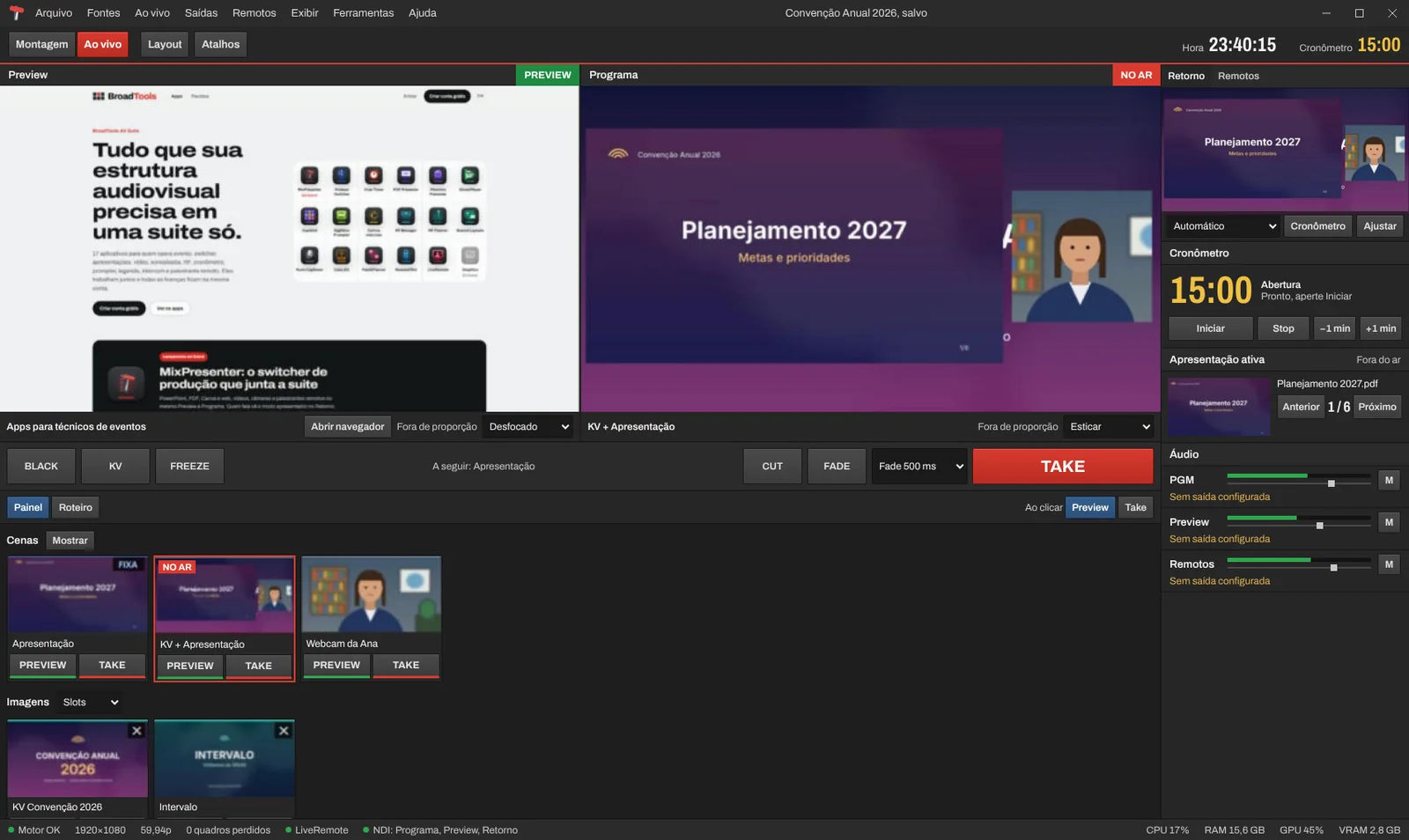
What it does
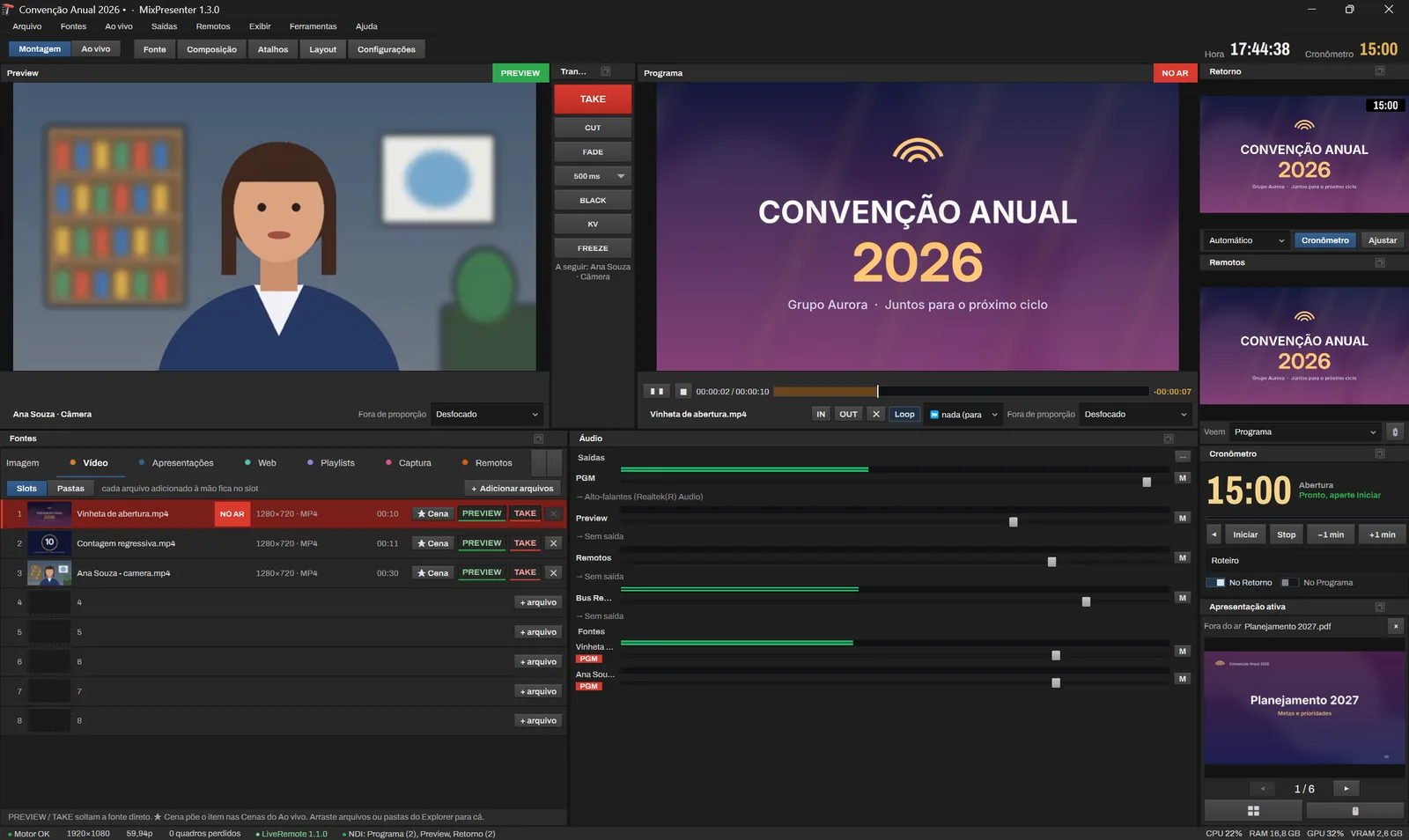
Everything that goes to the screen is a source of the same switcher. Build Preview, hit TAKE and MixPresenter sends Program to the displays, the LED wall, NDI and the card.
- PresentationsPowerPoint, PDF and online links
- Videos and imagesPlayer with audio, photos and key visual
- WebPages and meetings inside the app
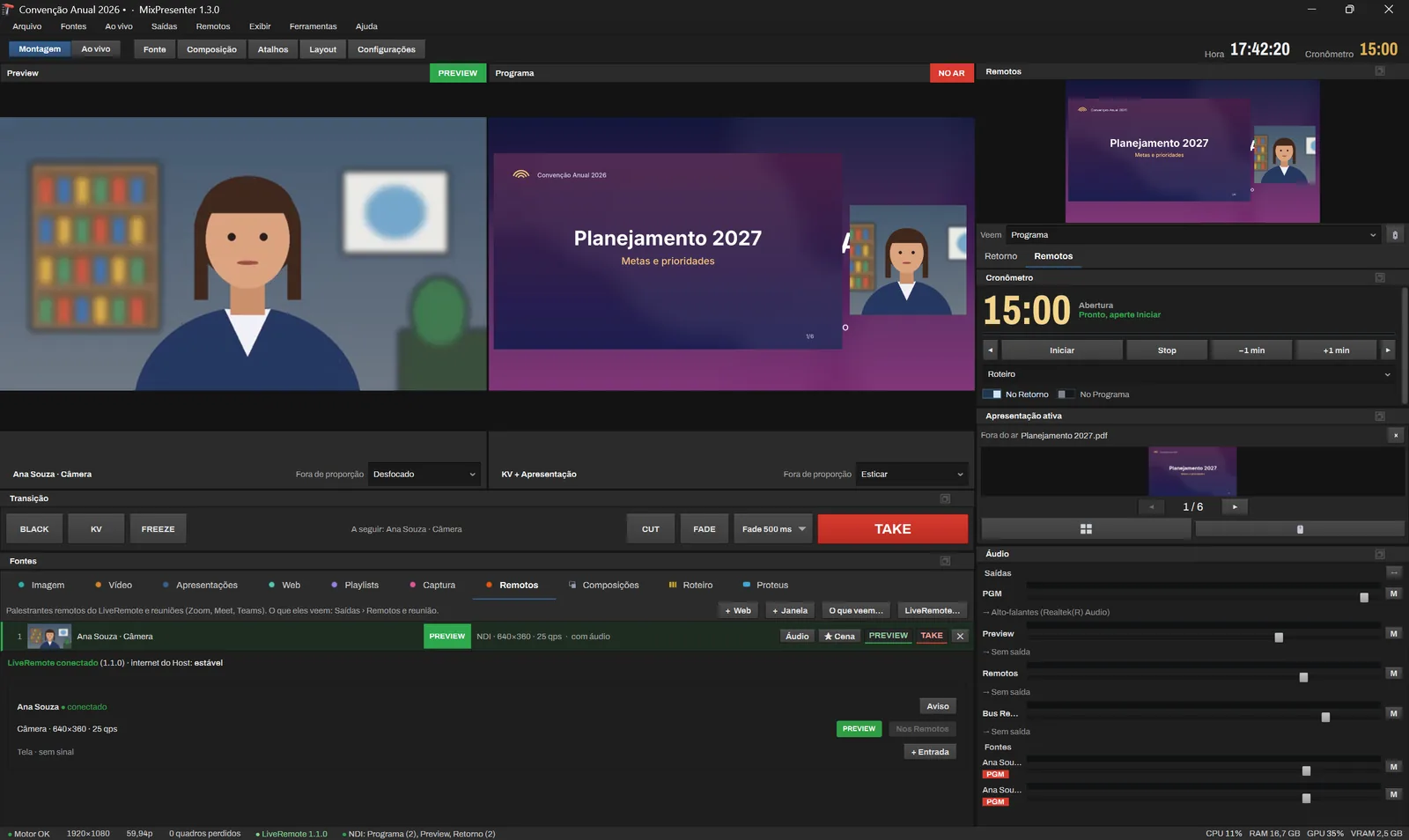
- Remote guestsZoom, Teams, Meet and LiveRemote with mix-minus
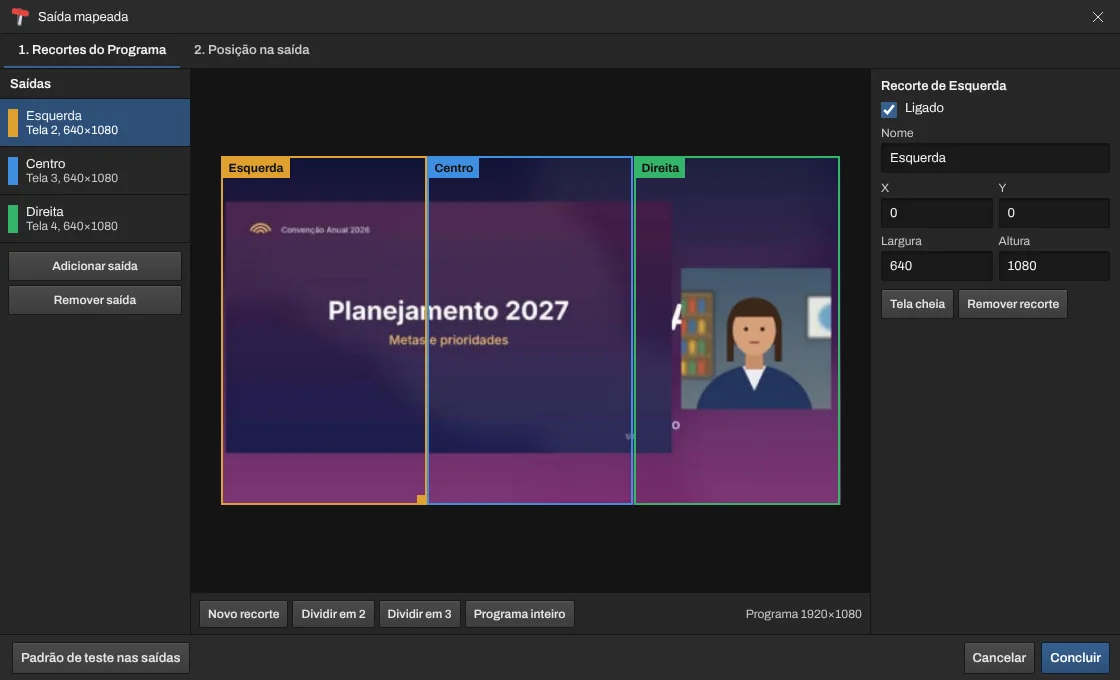
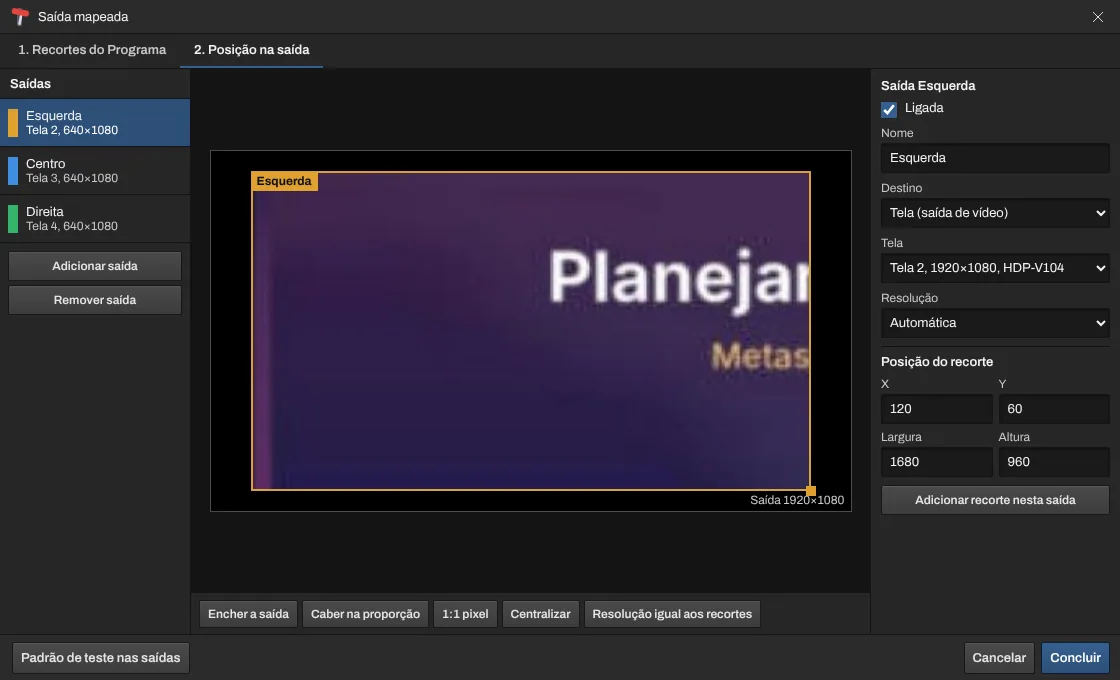
- ScreensAny resolution, LED crops and NovaStar
- OutputsDisplays, NDI, Blackmagic and ASIO audio
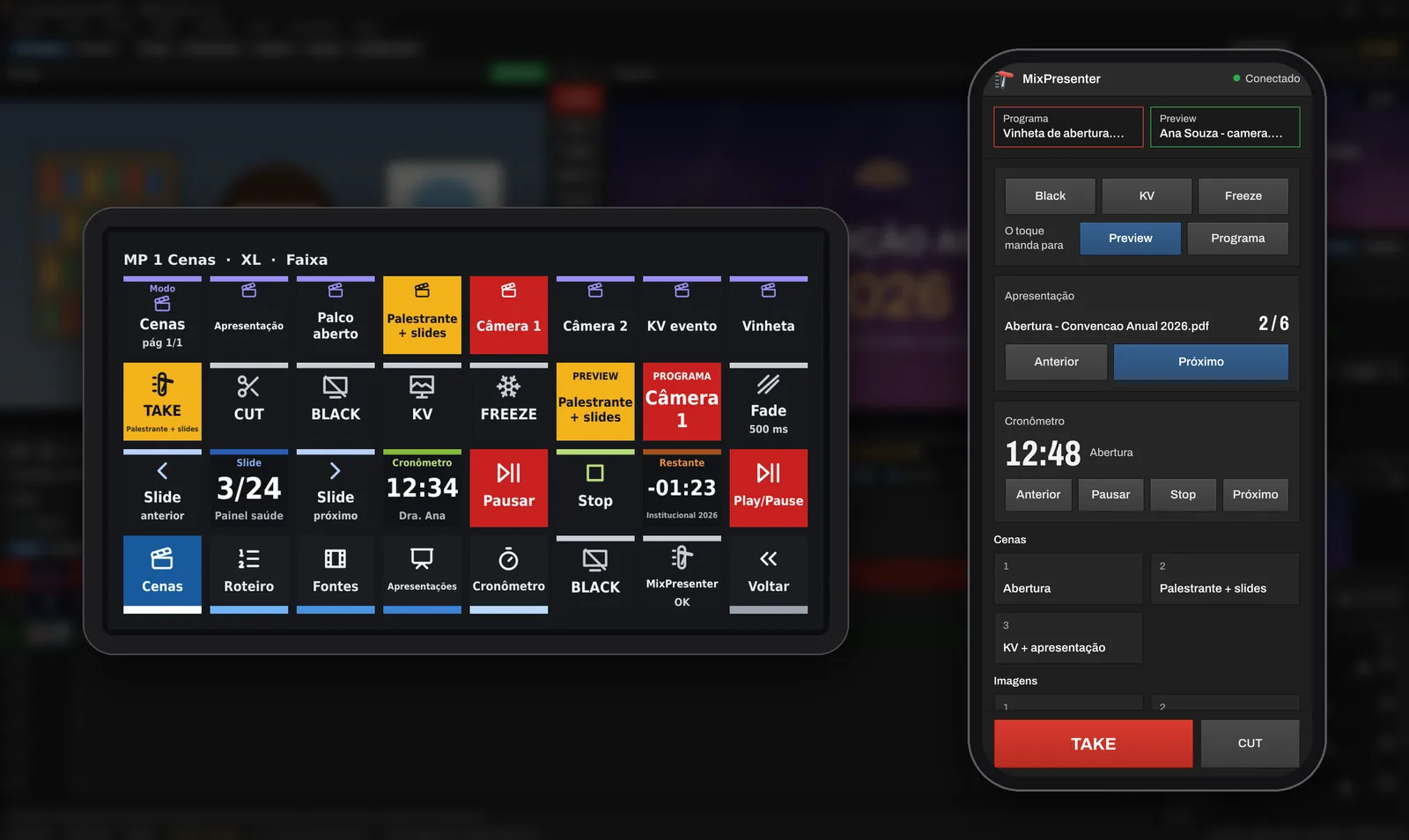
Stream Deck + Bitfocus Companion
Ready-made pages to run the event
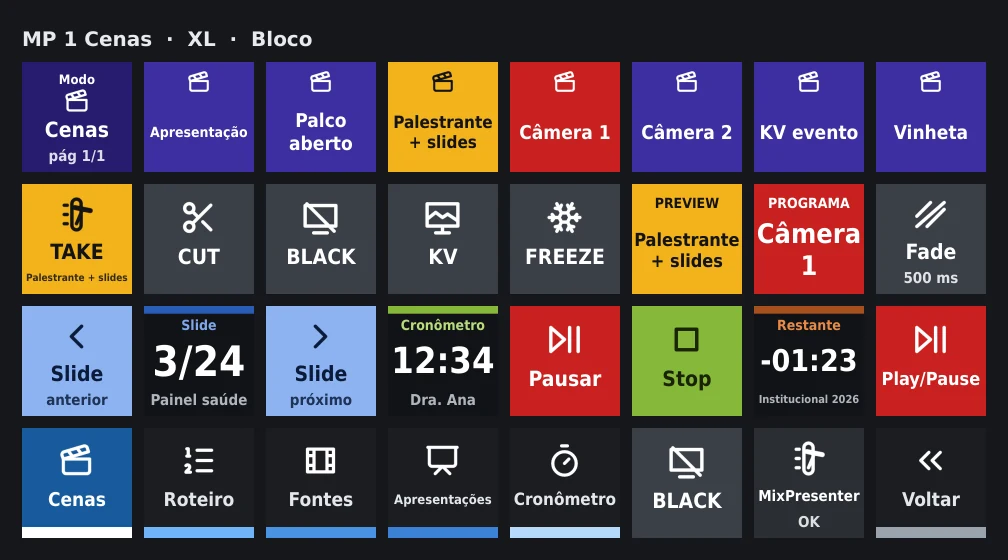
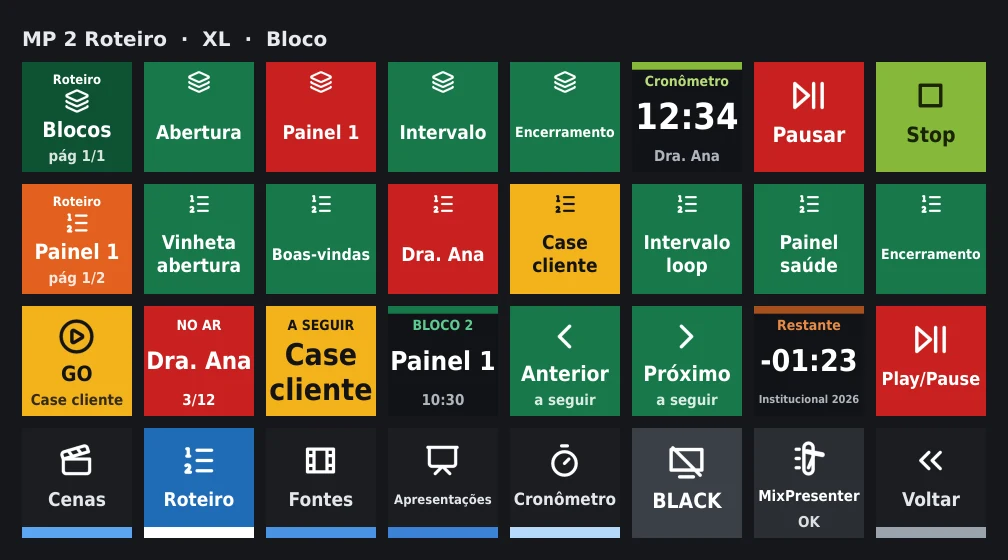
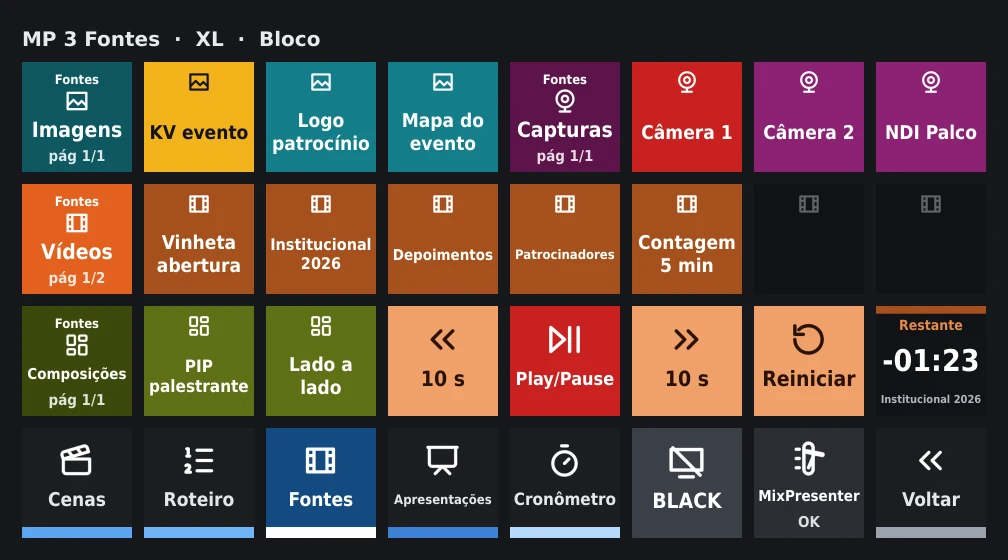
Its own module with ready-made Stream Deck XL and MK.2 pages: scenes, run of show, sources, presentations, timer and meeting, with Program and Preview on the keys.
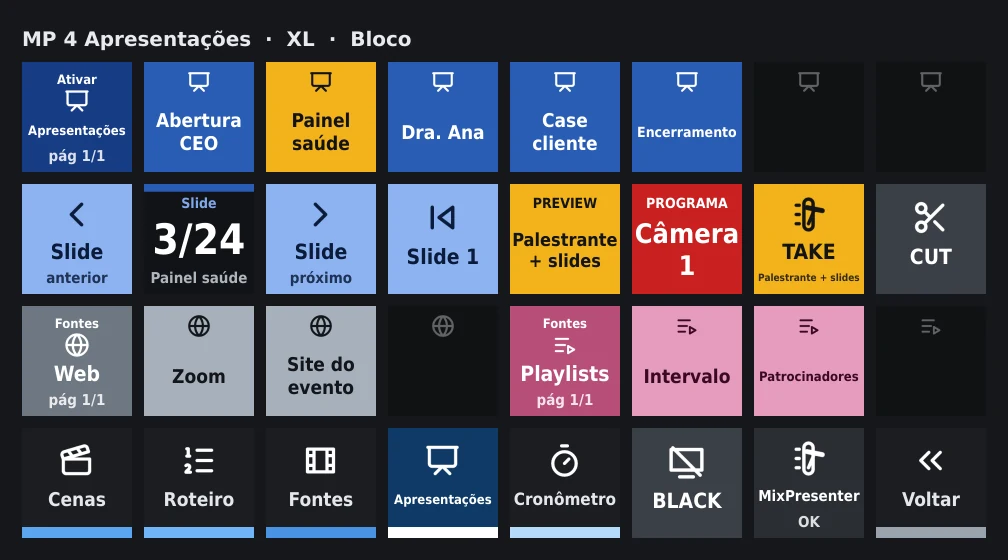
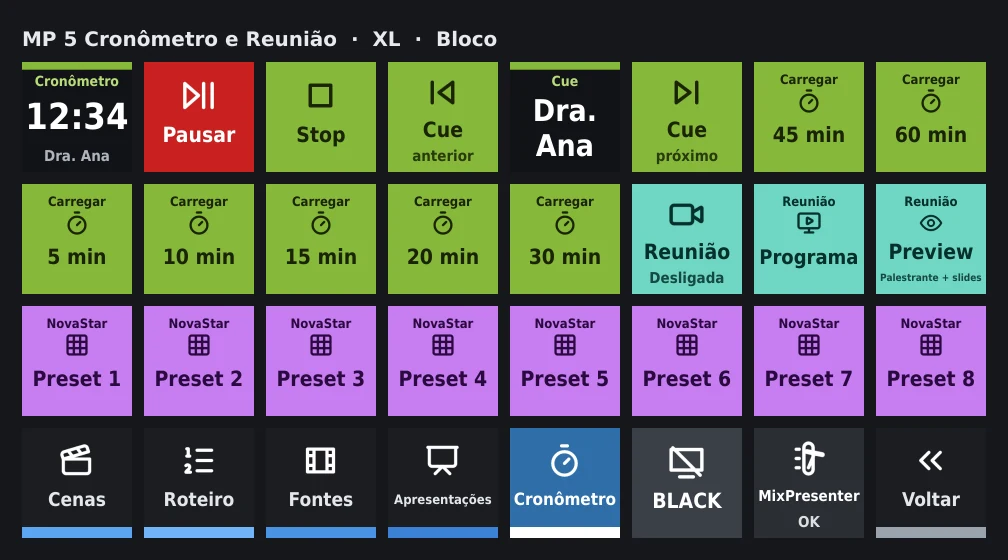
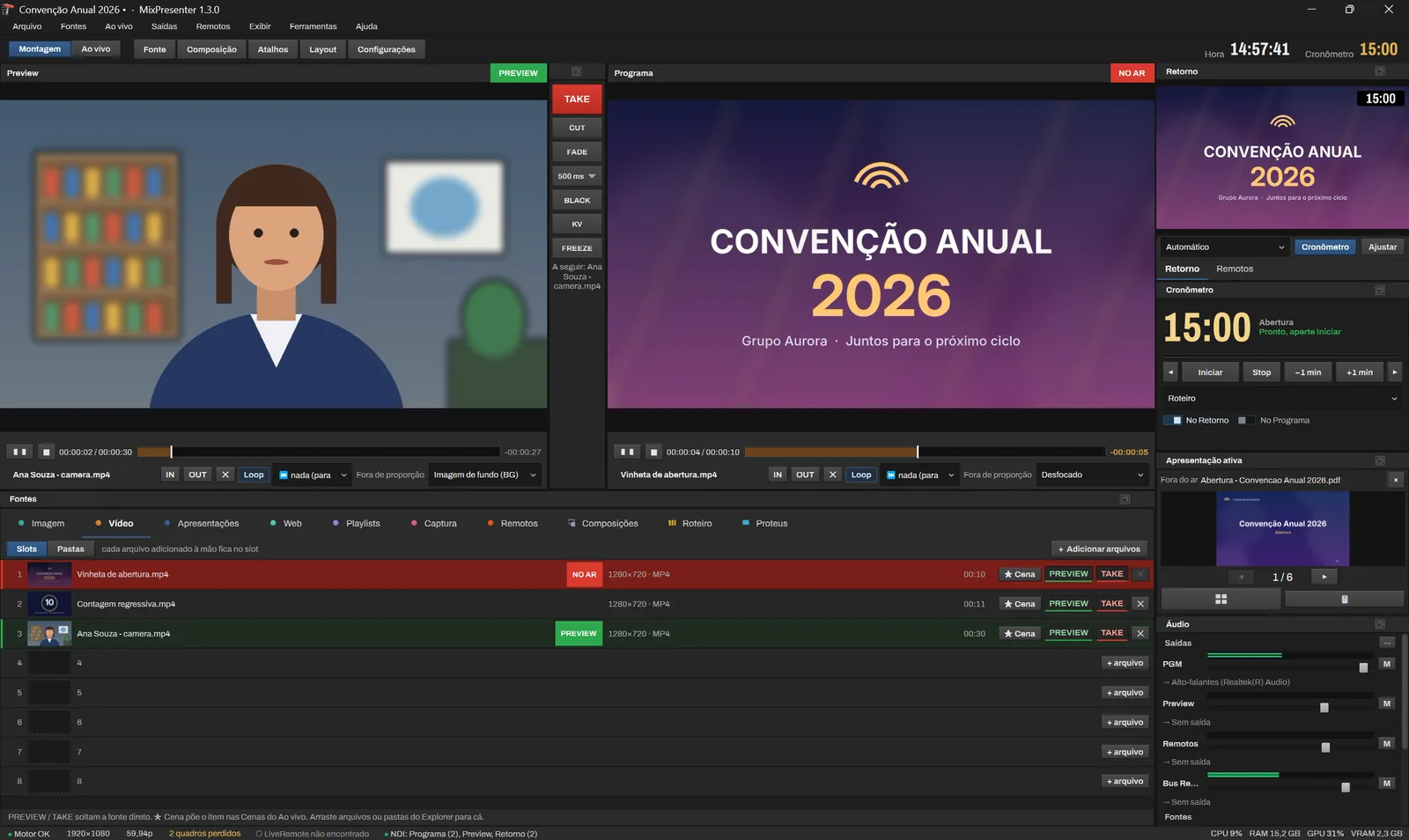
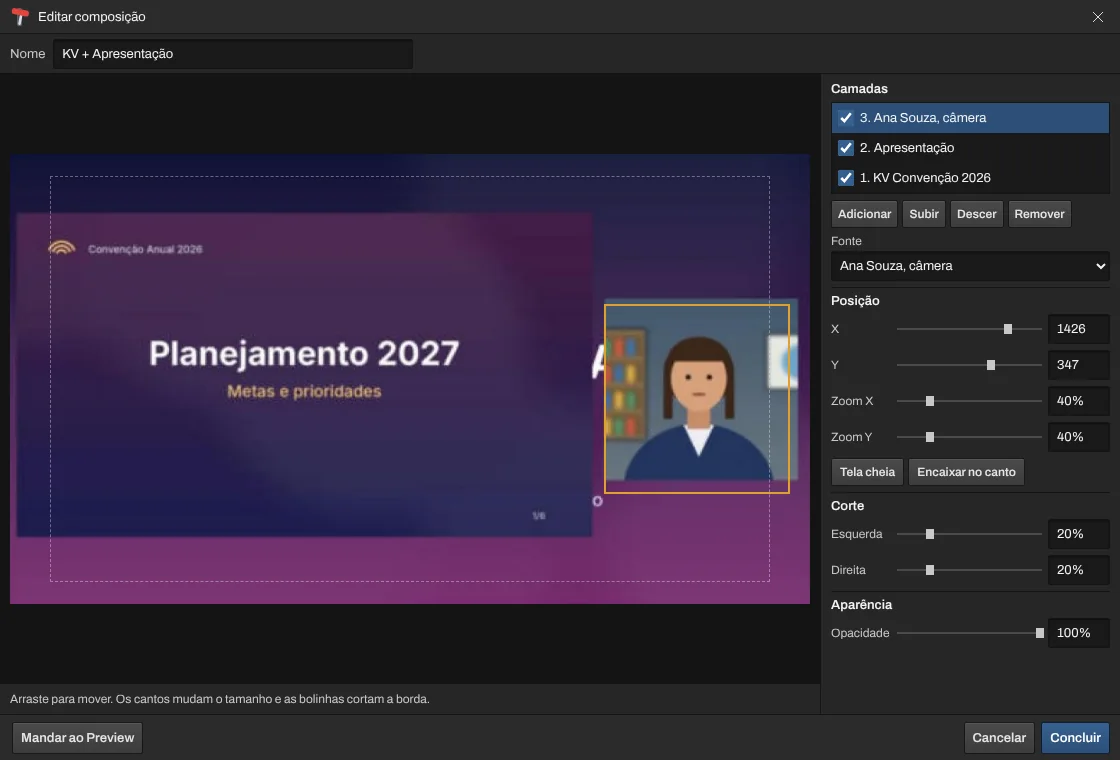
Sources
Everything that goes to the screens is a source of the same switcher: presentations, videos, images, web, remote guests, cameras and compositions.
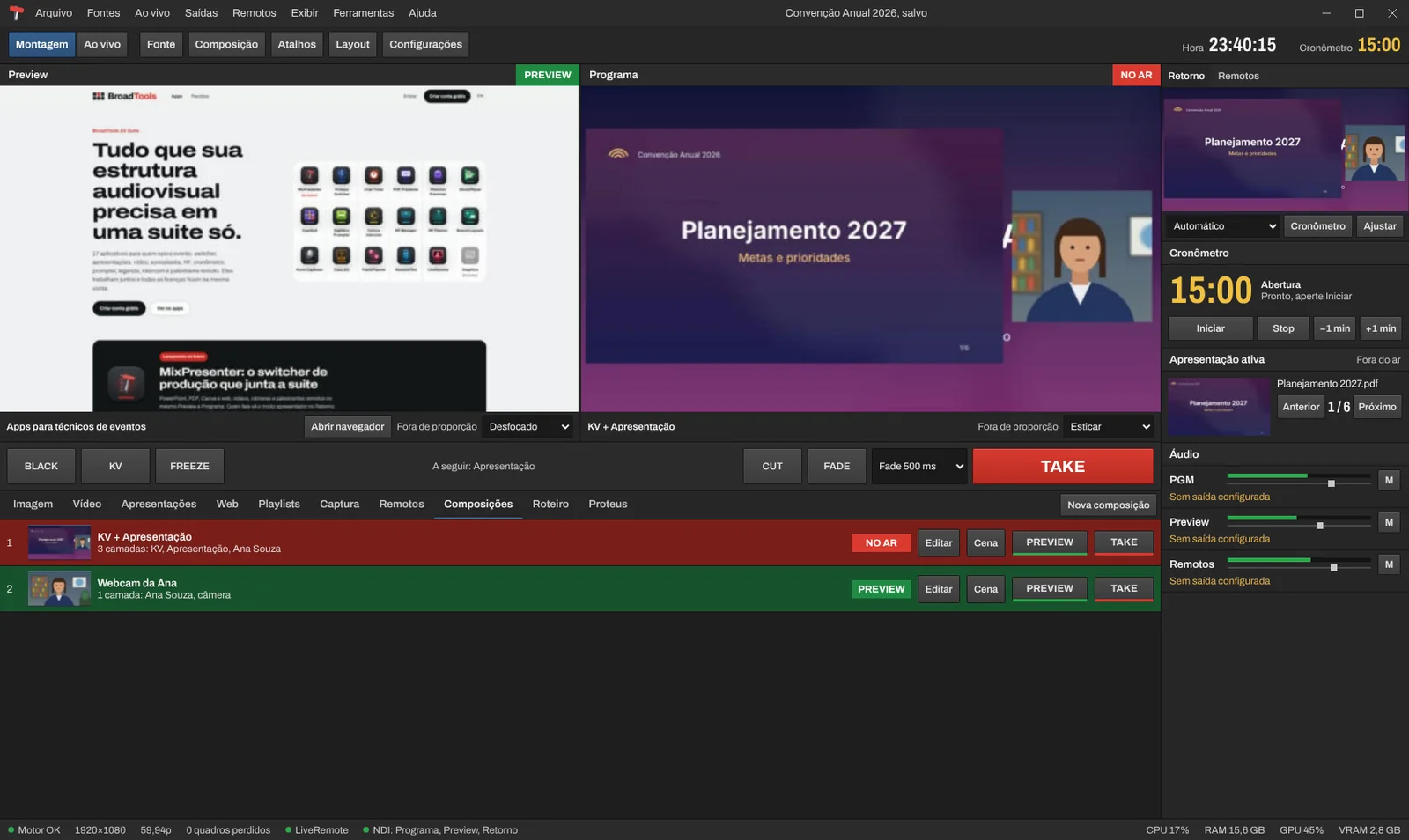
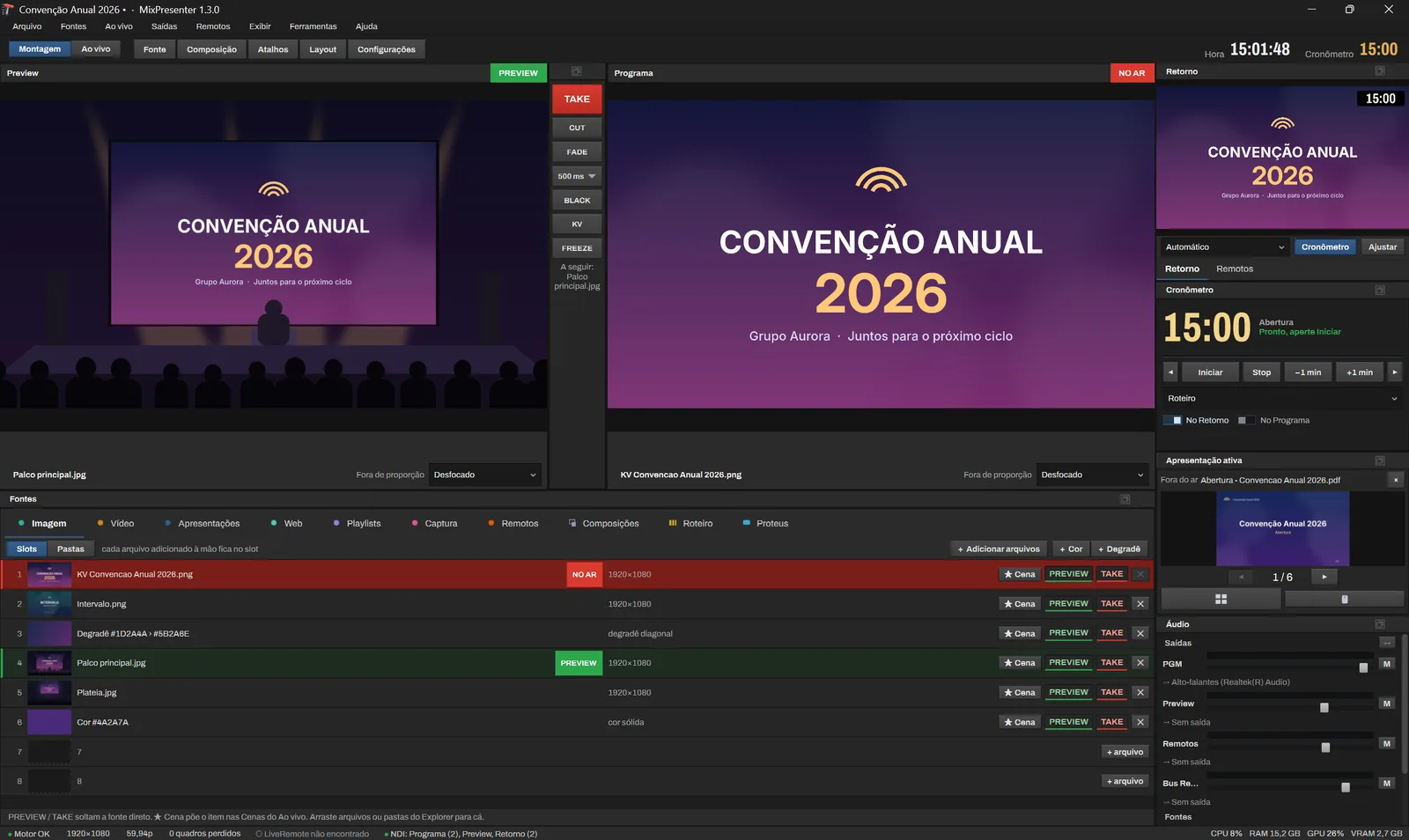
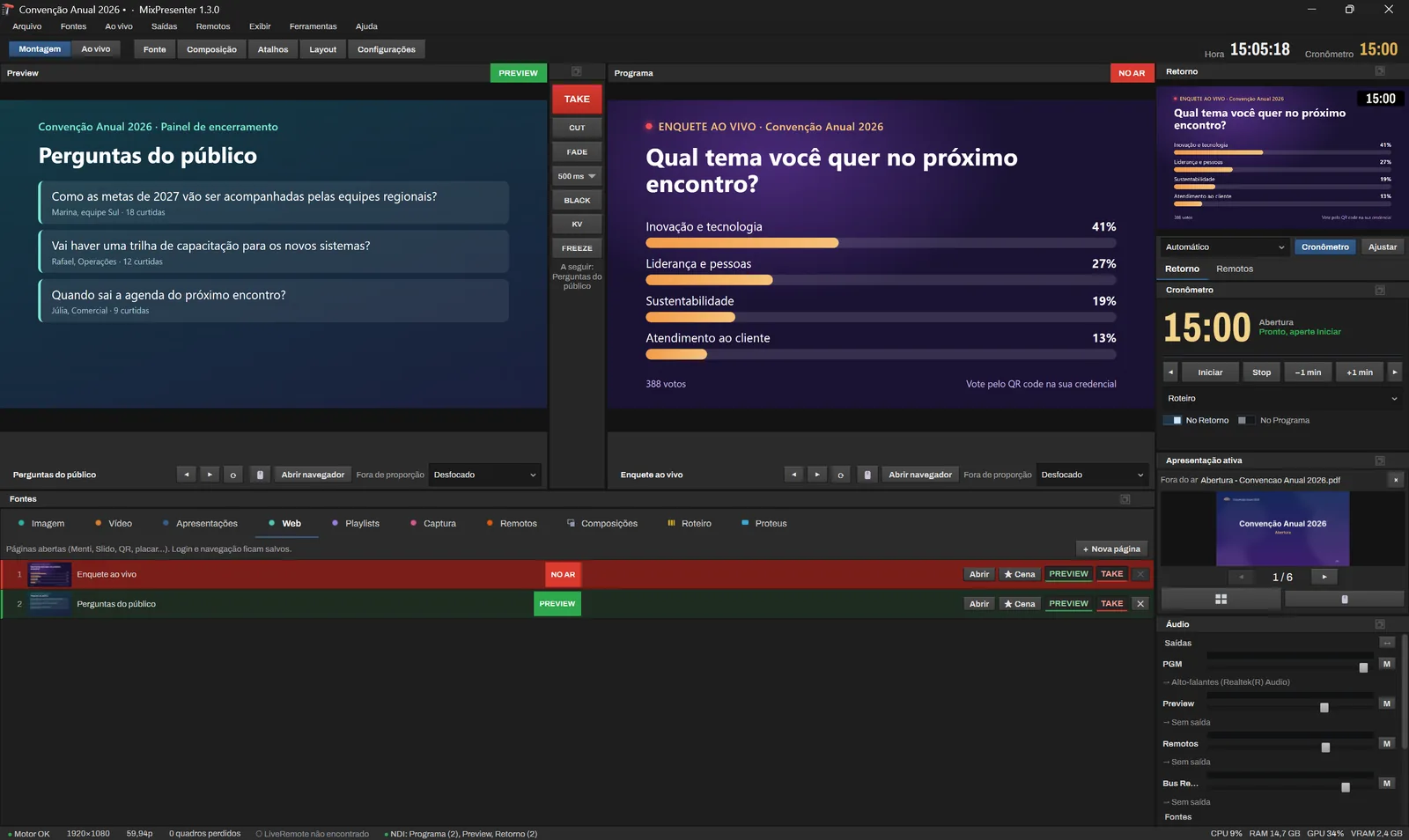
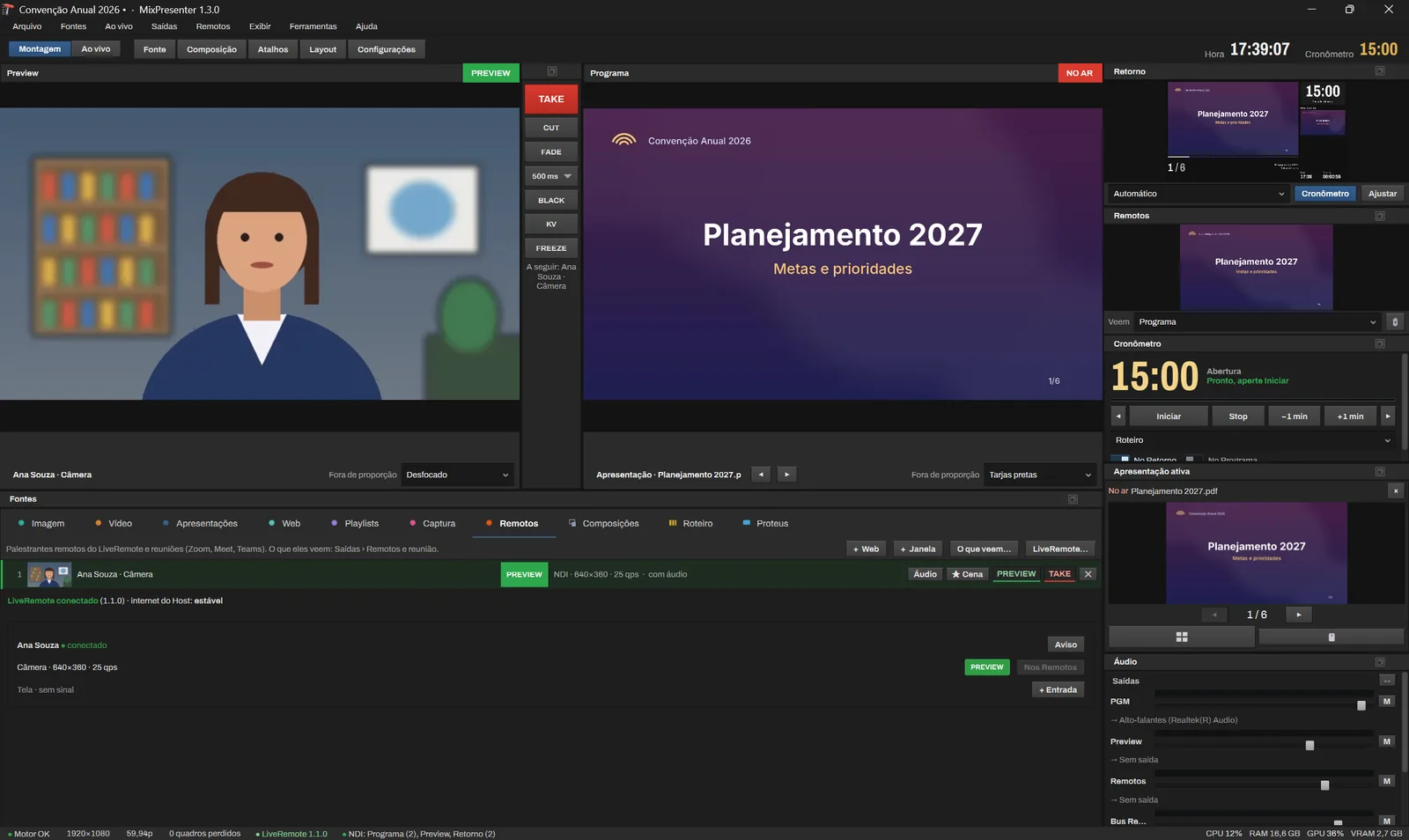
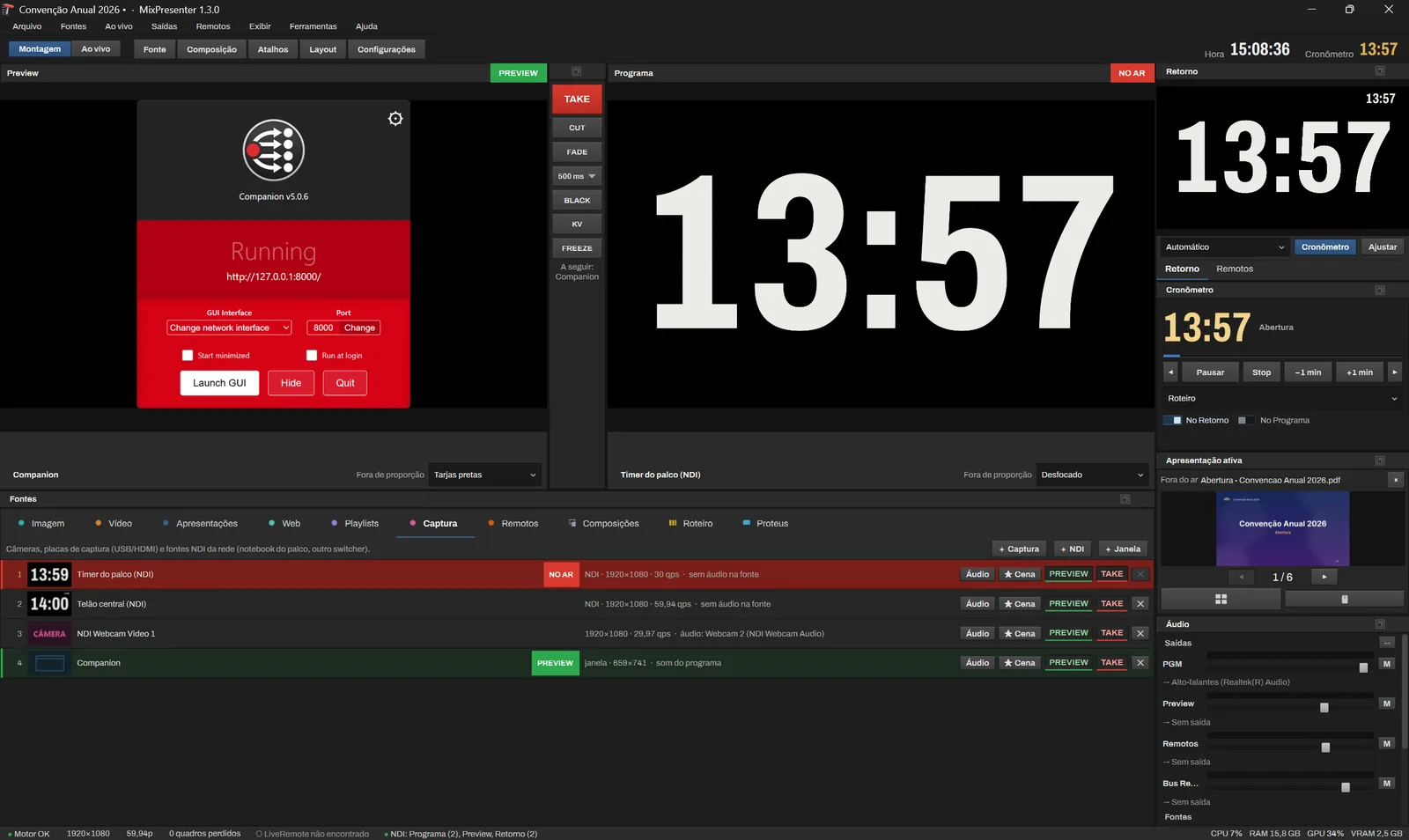
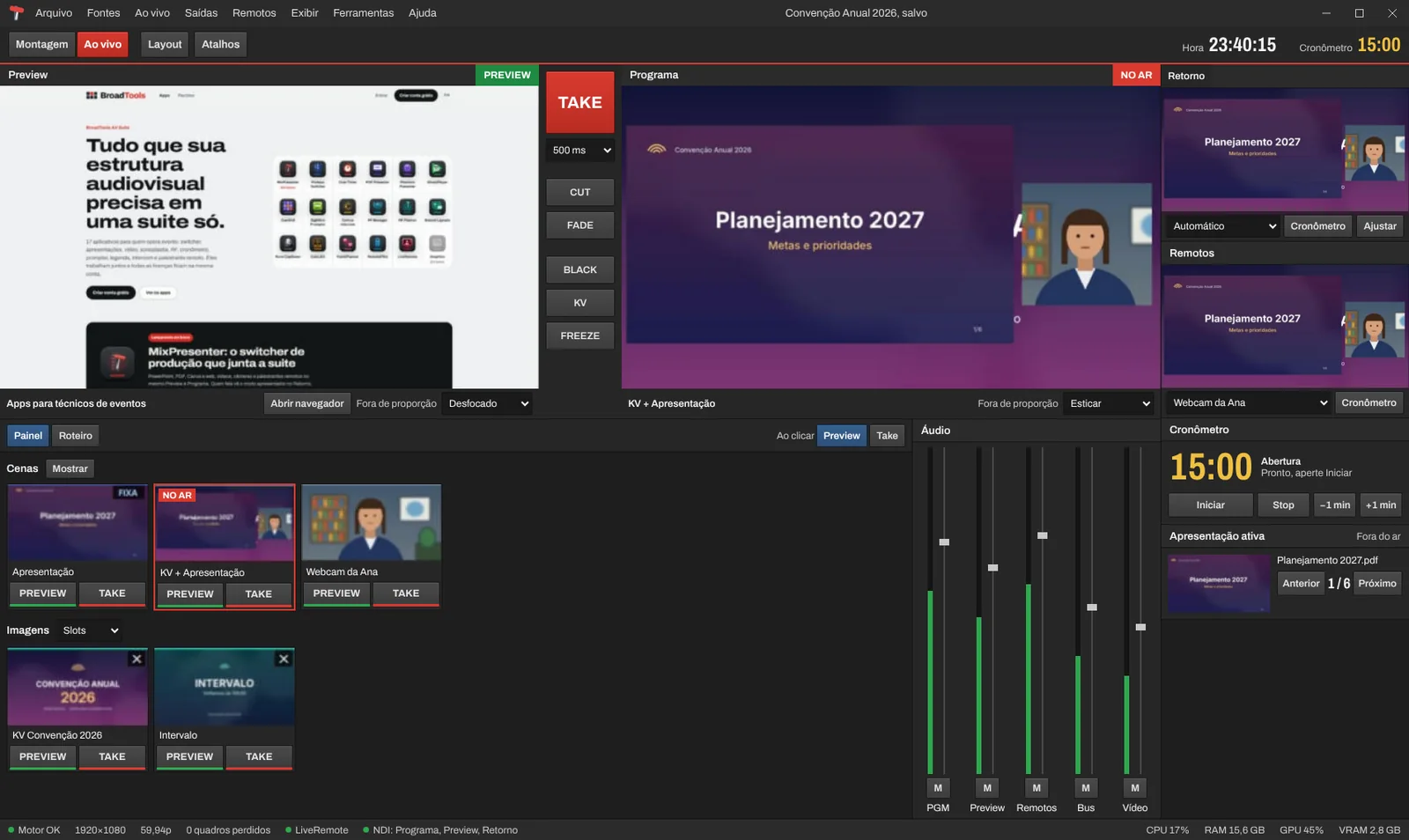
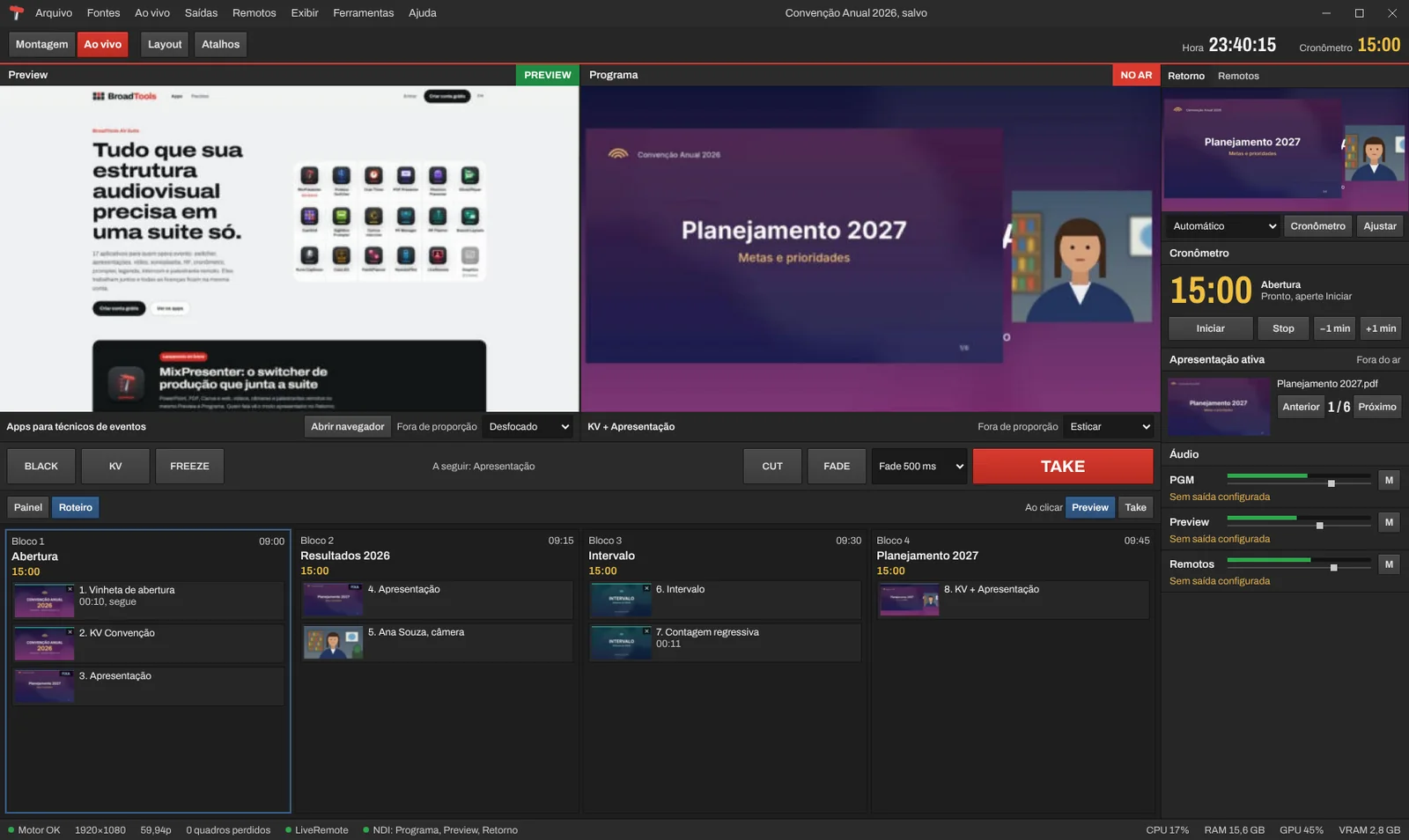
Operation
Scenes, run of show and timer to drive the event, from the screen, a Stream Deck or a phone.
Outputs
Program goes to each screen at the right resolution, with the sound along, and remote guests get their own return.
Free trial
You get 7 days with the full app. No watermark and no time limit, even at an event. One trial per computer.
Download MixPresenter
Version 1.3.2. Windows 10 or 11, 64-bit, graphics card with DirectX 11. PowerPoint installed to open .pptx. NDI included with the app. Blackmagic Desktop Video only for capture and playback cards.
The same installer works for the trial and the license. Activate it with the license key in My licenses.
NDI® is a registered trademark of Vizrt NDI AB. ndi.video
Bitfocus Companion
BroadTools module: MixPresenter, version 2.6.1.
- In Companion, go to Modules › Import module package and choose the .tgz file.
- Add the "BroadTools: MixPresenter" connection.
- To import the pages, go to Import/Export › Import and choose the .companionconfig file.
Plans
Each license key runs on 1 computer at a time.
Have a partner code?
Monthly
- Billed monthly to your card
- Cancel anytime
- All updates
Annual
works out to $26.67/mo 33% less
- Renews yearly on your card
- Cheaper than monthly
- All updates
Billed in US dollars. Amounts in other currencies are approximate, at today's exchange rate.
By completing your purchase, you agree to the Terms of Use and the Privacy Policy. See also the cancellation and refunds policy.
Also in bundles
Combine MixPresenter with other BroadTools apps and pay less. One key per app and a single bill.
- 1 computer per key
- Switching computers? Release the current one in My licenses.
- License key right away
- Once the payment is approved, the license key shows up in My licenses.
System requirements
| Item | Minimum | Recommended |
|---|---|---|
| System | Windows 10 or 11, 64-bit | |
| Processor | Intel Core i5 8th gen or Ryzen 5, 4 cores | Intel Core i7 10th gen or Ryzen 7, 8 cores |
| Memory | 8 GB | 16 GB |
| Graphics | Integrated with DirectX 11 | NVIDIA GeForce RTX 3060 or better |
| Disk | 2 GB free | SSD |
| Screen | 1920x1080 | |
| Network | Gigabit (1 Gbps) for NDI | Wired gigabit (1 Gbps) |
| Requires | PowerPoint for .pptx. NDI included with the app | |
Questions from operators
Does it open PowerPoint with animations and video?
Yes. MixPresenter uses the PowerPoint installed on the computer, so animations, transitions, videos and GIFs play just like in PowerPoint.
Do I need a capture card?
No. Outputs go to Windows displays, over NDI or to a Blackmagic card if you have one. For the cards, install Blackmagic Desktop Video.
Do I need to install NDI?
No. NDI comes in the MixPresenter installer, for input and output. Use NDI Tools only for its own tools, such as Studio Monitor.
Does it work with Zoom, Teams and Meet?
Yes. The meeting opens inside the app through + Web, or comes in by window capture or NDI. The remote audio goes to Program and never back to them (mix-minus).
Can I try it at a real event?
Yes. The 7-day trial key, free when you sign up, unlocks the full app, with no watermark. Without a key it opens in trial mode: 20 minutes, with a watermark on the outputs.
Windows or my antivirus warned me about the installer. Is it safe?
Yes, as long as the installer came from app.broad.tools. Windows SmartScreen warns when a program is new and has few downloads, not because it found a problem. Click "More info" and then "Run anyway". If your antivirus blocks it, add the installer or the app folder to its exceptions. Digital signing of the installers is on the way and will remove this warning.
Build your next event in MixPresenter
7 days with the full app, no watermark. Create a free account, download the installer and build your event. No card needed.